Articles.
Educational Resources for Quality.
October 17, 2017
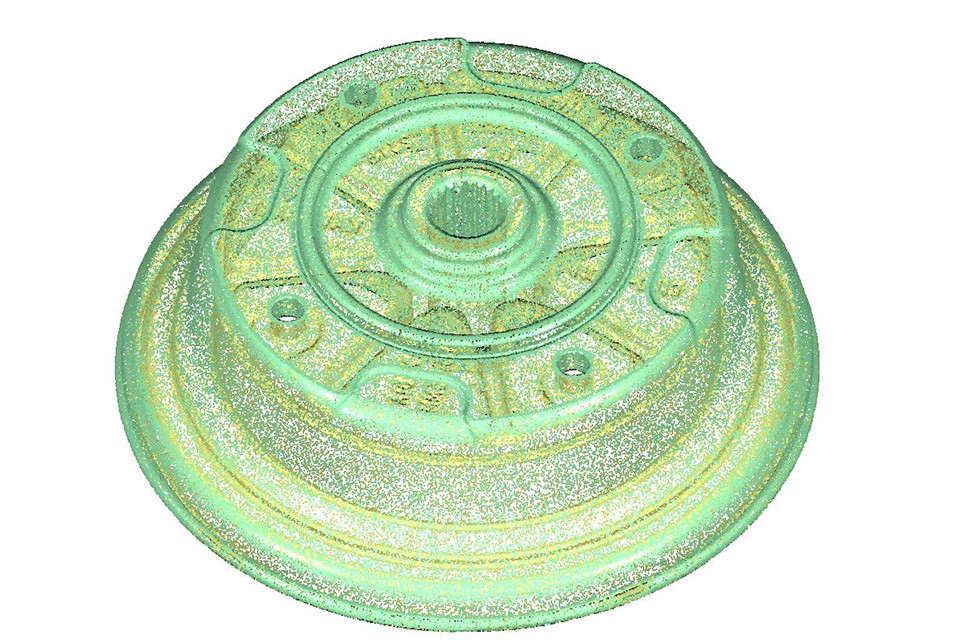
While there are many benefits of 3D Scanning, this article focuses on the benefits of scanning for reverse engineering
October 28, 2016
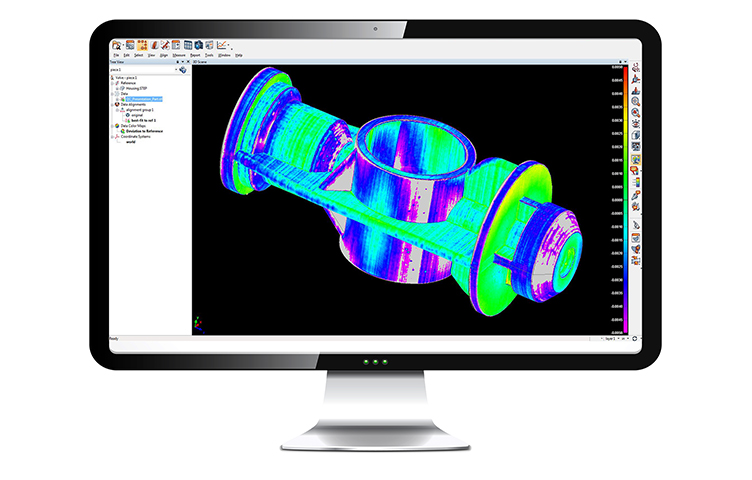
Learn how to qualify 3D printed parts that can't be verified with traditional inspection methods.
June 13, 2016

Learn about common considerations when inspecting firearms and why experience matters.
February 8, 2016
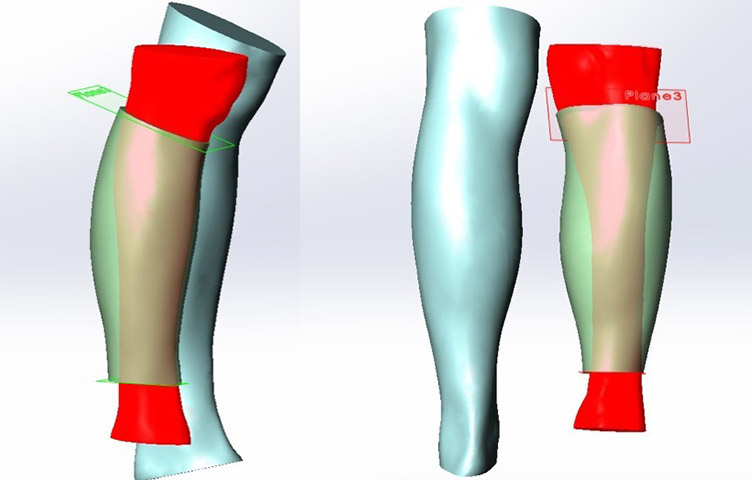
With the emergence of non-contact 3D scanning, the whole prosthetic device manufacturing process takes considerably less time with much faster data collection and improved accuracy.
December 7, 2015
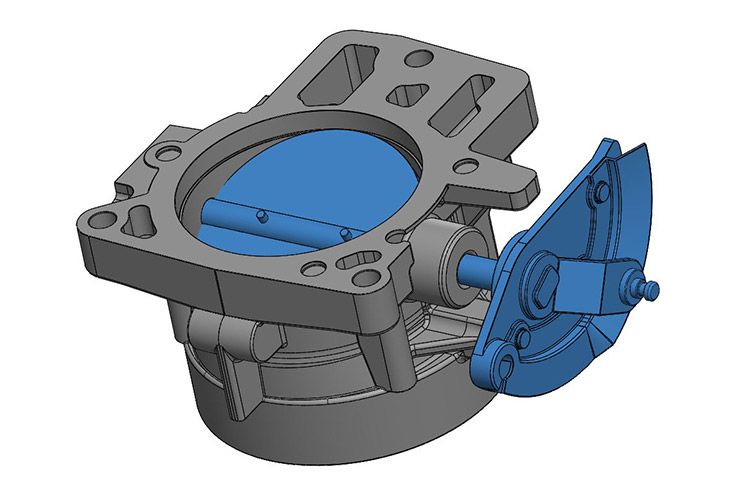
We’re excited to have guest author Scott Shuppert provide his insight into the importance of using 3D CAD models in the design process. Scott is a 30-year veteran of […]
October 16, 2015
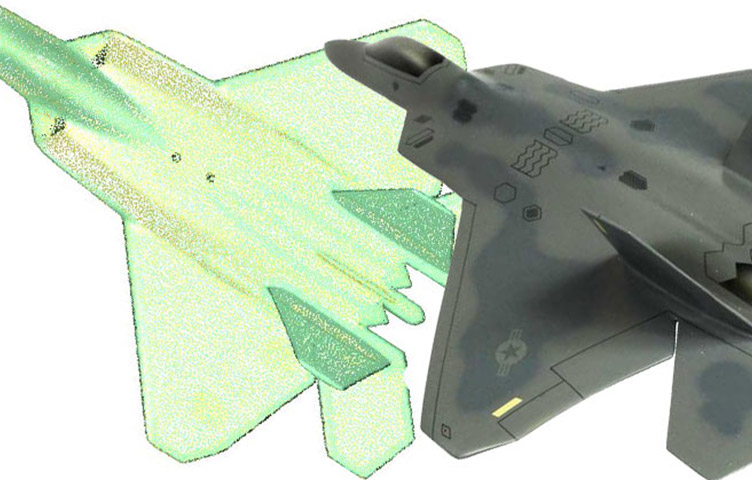
We’re excited to have guest author Scott Shuppert provide his insight into the importance of both time and accuracy when scanning parts for the aerospace and defense industries. […]
September 10, 2015
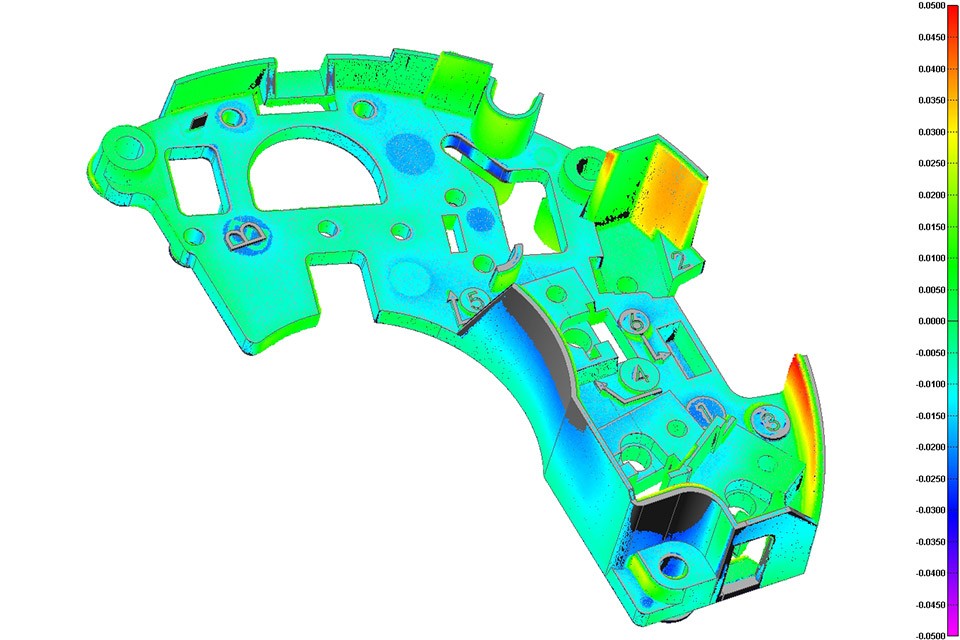
Production downtimes can be a big hurdle and mean big costs for any manufacturer. As the saying goes, time is money. That’s why Computer Aided Verification, […]
July 21, 2015
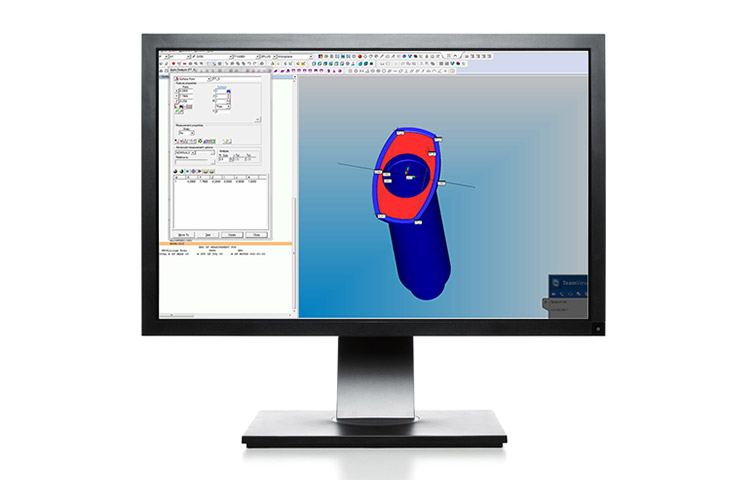
Amy Gulland introduces Virtual CMM Training and Offline CMM Programming services as additional ways in which The QC Group can be an extension of your team.
July 8, 2015
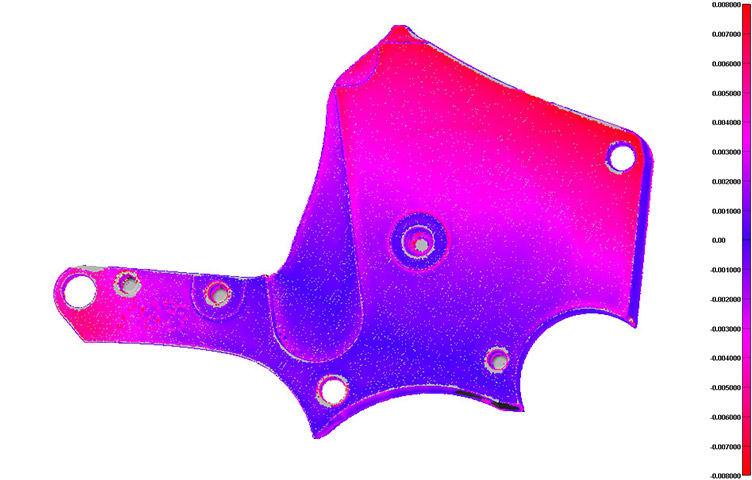
The right laser scanning equipment can accurately define localized shrinkage in a cast or molded component. Often times, this method is used to troubleshoot tooling by developing […]
June 5, 2015
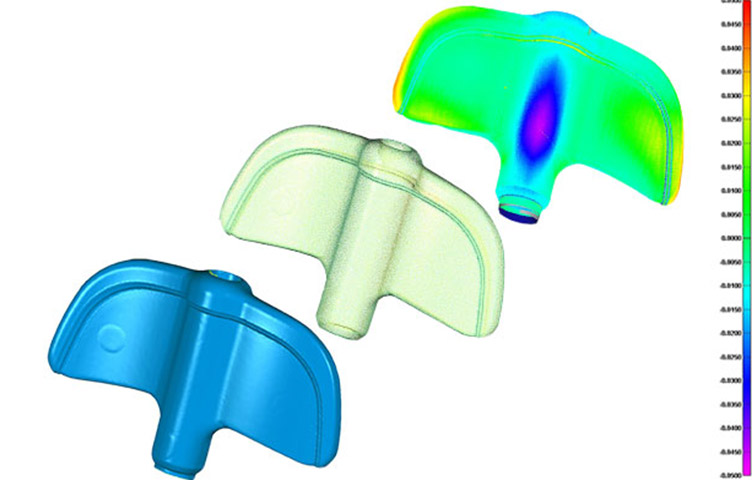
3D scanning technologies have matured to the point where virtually any object can be scanned and converted to an electronic image. With the right equipment, the right software, and some […]
May 1, 2015
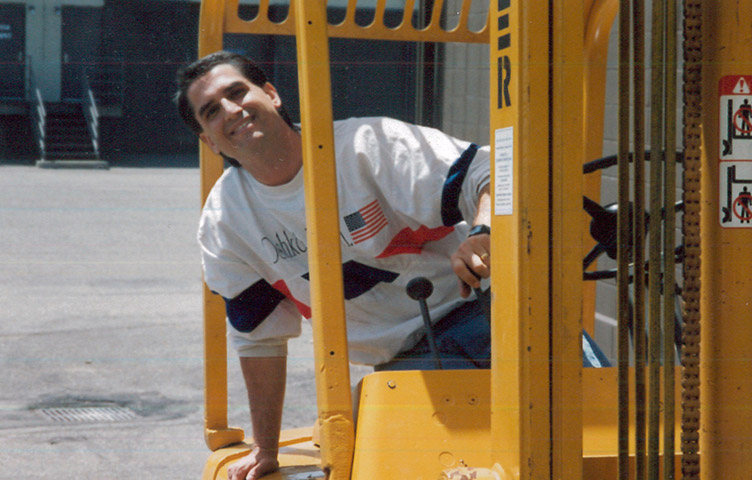
It was 1984 and Prince’s When Doves Cry was the number one hit on the radio. Dan Medford, styled with an Oshkosh color block shirt and refined […]
January 23, 2015

QC Staffing has a rare opportunity for you to get inside the minds of recruiters with a 1-hour webinar with tips and tricks to writing an outstanding resume.
January 19, 2015
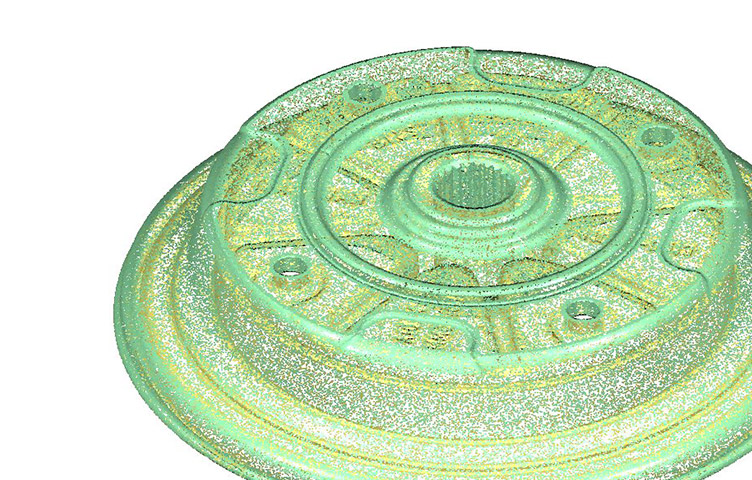
Reduce your laser scanning costs without sacrificing quality. Here are four ways to approach your project, keeping both cost and quality in mind.
December 9, 2014
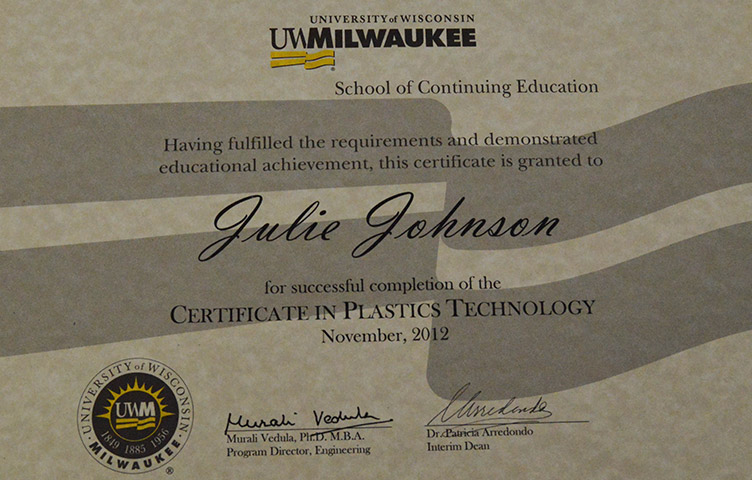
Each member of our engineering team have committed to completing studies and obtaining certification in the Design of Plastic Parts for Injection Molding.
December 3, 2014
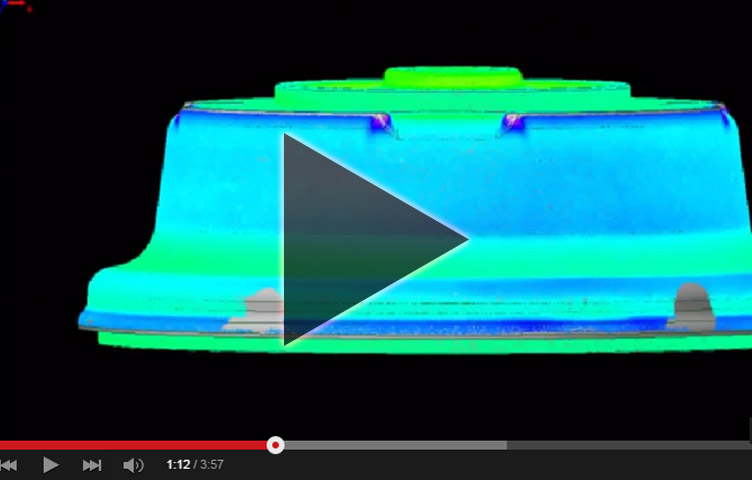
Brought to you by The QC Group, Engineering Division. This five-part tutorial will enable you to fully explore the power of our interactive 3D color map reports […]